
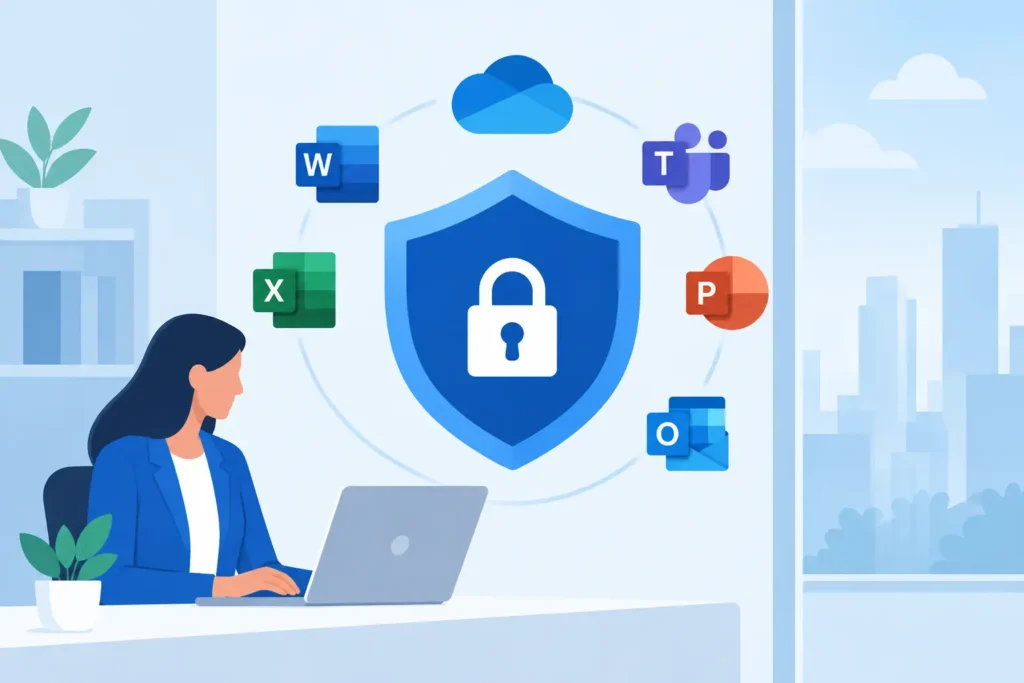
A compromised Microsoft 365 account can do more than send a suspicious email. It can expose financial records, redirect vendor payments, access shared files, impersonate an executive, or give an attacker a foothold across the business. Microsoft 365 security is therefore an operating discipline, not a licensing checkbox. It depends on how identities, devices, permissions, data, and support processes work together every day.
For small and midsize organizations, the goal is not to turn every employee into a security specialist. The goal is to establish clear standards that reduce avoidable risk while keeping people productive across offices, home networks, job sites, and multiple locations.
Microsoft 365 Security Starts With Identity
Most Microsoft 365 incidents begin with a user account. Password theft, fake sign-in pages, stolen browser sessions, and approval fatigue can all give an attacker access without breaking into a firewall.
Multi-factor authentication is the first control, but its configuration matters. A text message code is better than a password alone, yet it is more vulnerable than an authenticator app, number matching, or phishing-resistant sign-in methods. Organizations with higher-risk users, including executives, finance staff, administrators, and anyone who handles regulated information, should apply stronger methods and tighter sign-in requirements.
Conditional Access turns this principle into an enforceable standard. It can require MFA, block outdated authentication methods, restrict sign-ins from unexpected countries, and require a compliant device before allowing access to sensitive applications. The right policy set depends on the organization. A local professional office may need staff to work from managed laptops only, while a distributed construction or property team may need carefully controlled mobile access.
The trade-off is straightforward: overly broad restrictions create support friction, while loose rules leave valuable accounts exposed. The answer is not to choose convenience over security. It is to document user groups, understand how each team works, test changes, and make exceptions visible rather than permanent and informal.
Administrative accounts deserve their own standard. Administrators should not use privileged credentials for routine email and document work. Their accounts should have strong MFA, limited roles, separate daily-use identities, and regular review. A single unprotected global administrator account can undermine every other control in the tenant.
Secure the Device Before Trusting the Session
An authenticated user on an unmanaged or unhealthy device is still a risk. Malware, unpatched software, local administrator privileges, and unencrypted storage can turn a routine sign-in into a data incident.
Endpoint management connects Microsoft 365 security to the devices people actually use. With Microsoft Intune and endpoint protection controls, an organization can establish a baseline for encryption, operating system updates, antivirus status, screen locks, supported applications, and device compliance. Conditional Access can then use that compliance signal when deciding whether access should be allowed.
This matters when an employee loses a laptop, a salesperson accesses files from a personal computer, or a former employee still has company data on a phone. A managed environment gives the organization practical options: revoke access, remove business data from a mobile application, investigate activity, or remotely retire a device where appropriate.
Bring-your-own-device policies require balance. Some organizations can require company-managed laptops for all work. Others need employees or contractors to use personal phones. In those cases, application protection policies can separate business data from personal data without taking control of the entire device. The policy should be clear about what the company manages, what it can remove, and what employees remain responsible for.
Protect Email, Files, and Financial Workflows
Email remains the primary delivery path for phishing, business email compromise, and malicious attachments. Microsoft 365 includes valuable protections, but default settings do not automatically reflect the risk profile of every business.
A practical email security standard includes anti-phishing policies, malicious link and attachment protection, external sender identification, and controls for impersonation attempts. Finance and leadership teams should also have a separate process for changes to payment instructions, bank details, payroll information, or sensitive account access. Technology can flag a suspicious message, but it cannot replace a call-back procedure or a second approval when money is moving.
Data protection needs the same operational view. SharePoint, OneDrive, Teams, and email make collaboration easier, but easy sharing can become uncontrolled sharing. Review external sharing settings, anonymous links, guest accounts, and permissions for sensitive sites. If a folder contains contracts, employee records, client information, or regulated data, access should follow a business role, not whoever happened to be added years ago.
Sensitivity labels and data loss prevention policies can help classify and control sensitive information. They can also create noise if introduced without planning. Start with the data that would cause the most harm if exposed, then build manageable policies around that information. A healthcare practice, legal office, school, and hospitality group will not have identical priorities.
Visibility Turns Alerts Into Action
Security tools generate alerts. A security program needs someone accountable for determining which alerts matter, responding quickly, and improving controls after an event.
That begins with logging. Sign-in activity, mailbox rule changes, file sharing events, administrative actions, and endpoint alerts should be available for investigation. Logging retention and reporting requirements vary by Microsoft 365 license level and compliance obligation, so organizations should confirm what is being retained before they need evidence.
A useful incident process answers practical questions: Who receives the alert? Who can disable an account? Who contacts the affected employee? Who checks whether an attacker created forwarding rules or changed MFA methods? Who notifies leadership, legal counsel, customers, or insurers if required?
Without those answers, even good technology becomes a collection of dashboards. With them, a suspected account compromise becomes a repeatable response: contain the account, preserve evidence, assess impact, restore safe access, and correct the control gap.
Standardize the Baseline, Then Maintain It
The strongest Microsoft 365 environment is rarely the one with the most features enabled. It is the one with a documented baseline that is consistently applied across users, devices, locations, and new hires.
That baseline should cover identity requirements, privileged access, device enrollment, patching, email security, sharing rules, backup expectations, incident response, and offboarding. It should also define ownership. HR may trigger a termination notice, a manager may approve access, and the IT team may remove accounts and recover devices, but the workflow must connect those actions without delay.
Review the baseline on a schedule and after meaningful changes, such as opening a new location, acquiring another business, adopting a new line-of-business application, or shifting to a hybrid workforce. Security settings that made sense two years ago may not match how the organization operates now.
DHK IT approaches this as part of one connected operating plan. Identity, endpoint protection, network access, user support, backup, and response procedures should reinforce each other rather than sit with separate vendors and unclear owners.
Security Is Also a User Experience Decision
Employees are more likely to follow security controls when the process is understandable and support is available. Confusing MFA prompts, blocked sign-ins with no explanation, and unclear file-sharing rules encourage workarounds. Those workarounds often create the exact risk the control was intended to prevent.
Training should focus on the decisions people actually make: recognizing unexpected sign-in prompts, reporting suspicious messages, handling shared documents, protecting mobile devices, and verifying financial requests. Short, recurring education tied to real workflows is more effective than a once-a-year presentation.
The practical measure of success is not whether every setting is enabled. It is whether the organization can confidently answer who has access, which devices are trusted, where sensitive data is shared, and what happens when something looks wrong. That clarity gives leadership a security program they can operate, not just a collection of tools they hope will work.