
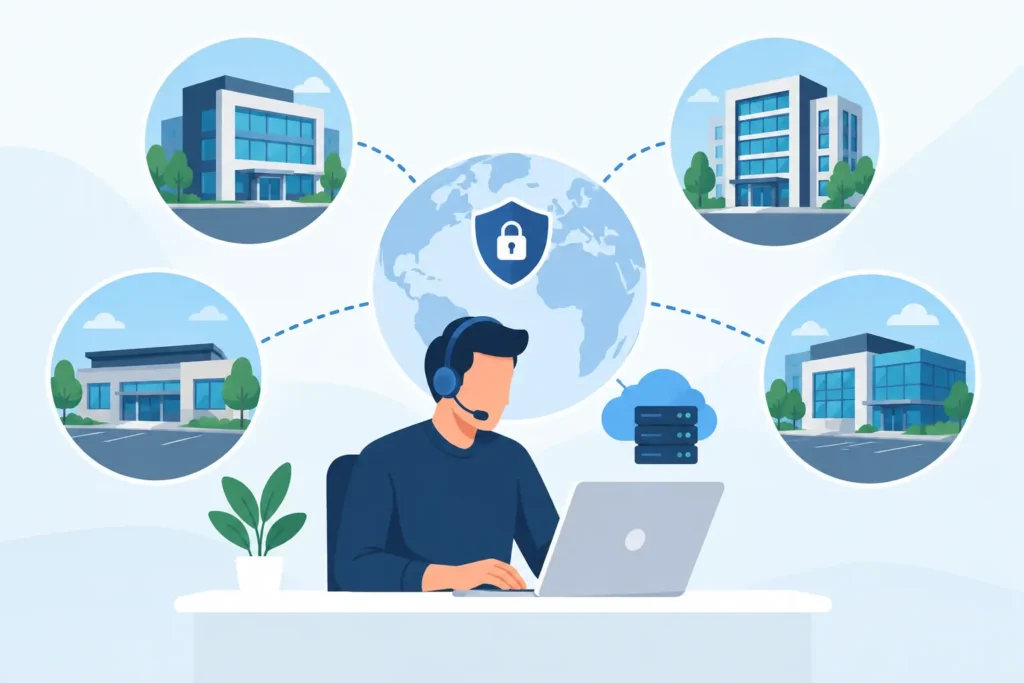
A new location can look ready from the front door and still fail its first day of business. The internet circuit is active, but Wi-Fi drops in the back office. Staff have laptops but no access to the right files. The phones ring at the old site. A manager calls three vendors and no one owns the full problem.
IT support for multi location businesses should prevent that scenario. The objective is not simply to put technology in each building. It is to create one operating standard across every location, so users can work, leaders can see risk, and the business can open, move, grow, or recover without rebuilding its technology approach each time.
Multi-location IT is an operations challenge
A single office can often work around inconsistent technology for longer than it should. A knowledgeable employee knows which printer is unreliable, which network cabinet should not be touched, and which vendor to call when the phones fail. That knowledge does not scale well to a second, fifth, or twentieth location.
Each additional site introduces physical variables: different internet providers, building construction, wiring quality, access points, network closets, landlord requirements, and local vendors. It also creates more users, endpoints, credentials, guest networks, cameras, phones, and potential entry points for an attacker. If each site is designed independently, the business accumulates exceptions that cost more to support and protect.
The business impact is visible well beyond IT. A retail team cannot process transactions. A property manager loses access to building systems. A professional office cannot reliably reach cloud applications or take calls. A healthcare or regulated organization may struggle to show that access and security controls are being applied consistently.
The right question is not, “Who can fix the issue at this site?” It is, “What standard will make every site easier to run?”
What IT support for multi location businesses must cover
Effective support begins with a shared technology blueprint, then applies it to the realities of each facility. That blueprint should account for the full environment: the network, user identity, devices, security controls, communications, data protection, and the people who need help.
Standardized networks, built for local conditions
Every location needs a documented network design. That includes internet connectivity, firewall configuration, switching, Wi-Fi coverage, network segmentation, remote management, and backup connectivity where downtime carries a meaningful cost.
Standardization does not mean using identical equipment without regard for the building. A 2,000-square-foot office, a school floor, a restaurant, and a multi-tenant property have different coverage, traffic, and physical installation needs. The standard should define the security, monitoring, documentation, and support approach while the design adapts to the site.
For example, guest Wi-Fi should remain separated from internal business systems. Payment, building, camera, and staff networks may also need separate segments. A properly configured firewall and documented network map give support teams a faster path to diagnosing an issue without exposing more of the environment than necessary.
One identity standard for every user
When users move between locations, identity becomes the control plane. Employees need the right access to Microsoft 365, Google Workspace, cloud applications, shared files, devices, and line-of-business systems without collecting separate accounts at every site.
Central identity management through platforms such as Microsoft Entra ID helps enforce consistent sign-in, multifactor authentication, device access, and account lifecycle controls. A new employee can be provisioned according to role. A departing employee can have access removed promptly across systems. A manager does not have to rely on a spreadsheet and hope every account was found.
This is also where security and operations meet. Conditional access, least-privilege permissions, and strong authentication can reduce risk, but they must be planned around how people actually work. A field manager using a mobile device and a finance employee handling sensitive information may require different policies. The goal is controlled access, not security theater that prevents productive work.
Consistent endpoint protection and support
A distributed business needs a clear answer to a basic question: which devices are authorized to access business data? Managed laptops, desktops, tablets, and mobile devices should be inventoried, configured, encrypted where appropriate, patched, protected, and supported under a common policy.
That matters when a device is lost, an employee works from another site, or a security alert requires immediate action. Support should not begin with uncertainty about who owns the computer, what software is installed, or whether backups and security controls are active.
End-user support also needs a predictable path. Staff should know how to request help, what information to provide, and when an issue requires remote troubleshooting versus an on-site visit. A central help desk can resolve many problems quickly, but field support remains essential for failed hardware, cabling, Wi-Fi coverage, conference rooms, phones, and network equipment. The best model coordinates both rather than treating them as separate services.
Voice, continuity, and operational visibility
Phone systems are often overlooked until a location opens or loses service. Cloud voice can give distributed teams shared call handling, extensions, auto attendants, and the ability to answer calls from another site or approved device. But voice quality depends on the underlying network and internet connection. It should be designed, tested, and monitored as part of the environment.
Continuity planning requires the same discipline. Critical systems need appropriate backup, recovery expectations, documented contacts, and tested response procedures. Not every location needs duplicate internet circuits or identical recovery investments. A small administrative office and a revenue-producing site may have different tolerance for downtime. The business should decide those priorities intentionally, rather than discovering them during an outage.
Build a repeatable site standard
A practical multi-site operating plan defines what must be consistent before the next opening, refresh, or acquisition. The standard should cover at least these core areas:
- Approved network, Wi-Fi, firewall, and internet designs
- Identity, multifactor authentication, and user onboarding controls
- Managed device configurations, endpoint protection, and patching
- Cloud voice, business application, and file-access requirements
- Backup, recovery, documentation, monitoring, and escalation procedures
This is not a procurement checklist. It is a way to reduce variation that creates unnecessary risk and support effort. With a standard in place, technology work becomes more predictable. A site survey identifies local changes needed. Equipment is staged. Cabling and hardware are installed. Users and services are migrated. The environment is validated before handoff, then monitored and supported after opening.
Documentation is central to this process. Current network diagrams, asset records, circuit details, administrative ownership, and site-specific notes prevent support from becoming dependent on one person’s memory. They also make leadership conversations more useful because costs, risks, and upgrade needs can be tied to known conditions across the portfolio.
Avoid fragmented responsibility
Many organizations reach a breaking point after collecting separate providers for cabling, internet, phones, Wi-Fi, cybersecurity, cloud licensing, and help desk support. Each provider may be competent within its lane. The failure happens between those lanes.
When call quality is poor, the phone provider may point to the network. The network provider may point to the internet circuit. The internet carrier may show an active connection. Meanwhile, the location manager still has a business problem.
One accountable technology partner changes the operating model. The partner can coordinate design before construction or occupancy, manage installation and configuration, validate performance, support users, and identify improvement work over time. DHK IT approaches multi-site environments this way: from the first cable to the final login, with responsibility across users, devices, security, networks, and support.
Accountability does not eliminate outside carriers or specialized platforms. It gives the organization one team that understands how those pieces connect and can drive resolution when they do not.
Measure consistency, not just ticket volume
Leadership should be able to see whether the technology environment is becoming easier to operate. Useful measures include recurring issues by location, device compliance, patch status, unresolved security findings, Wi-Fi and internet performance, onboarding completion, recovery test results, and the age of critical infrastructure.
Ticket volume alone can be misleading. A higher number of tickets may reflect growth, a successful migration, or employees who finally have a reliable way to ask for help. The more valuable signal is whether repeated issues decline, support becomes faster, and each location follows the same documented standard.
There will always be exceptions. An older building may require different wiring. A lease constraint may limit equipment placement. A location with sensitive data may need stronger controls. Exceptions are manageable when they are documented, approved, and designed into the support plan. Undocumented exceptions are where cost and risk begin to compound.
The next site should not feel like a fresh technology project with unfamiliar decisions. It should be the next application of a clear operating standard, adjusted for the facility and ready for the people who will depend on it.
Multi-location IT support across North Jersey and Manhattan
DHK IT Unified Networks is based in Clifton, NJ and supports businesses across North Jersey and Manhattan through remote help desk, centralized cloud and security administration, and scheduled on-site work. If your organization operates offices on both sides of the Hudson, review our North Jersey IT support and Manhattan IT support pages, then request an IT assessment for your locations.