
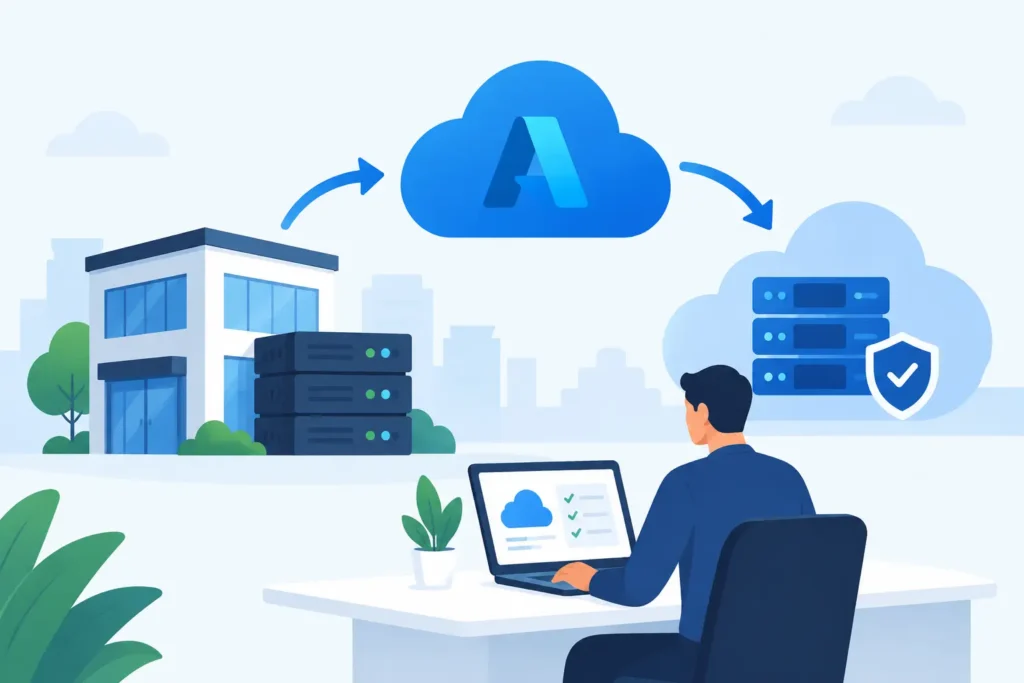
A file server that runs out of space, a line-of-business application tied to an aging server, or a second office with inconsistent access can all trigger an Azure conversation. Azure migration for small business is not simply a matter of moving servers to a Microsoft data center. It is a decision about how users sign in, where data lives, how systems recover, who supports them, and what the business will pay month after month.
For small and midsize organizations, the best migration is usually selective. Some workloads belong in Azure. Others should remain in a local environment, move to a software-as-a-service platform, or be retired entirely. The objective is not to move everything. It is to create a more reliable, secure, and manageable operating environment.
Azure Migration for Small Business Starts With the Business Case
A move to Azure should solve a defined operational problem. A professional office may need secure access to a legacy application without maintaining a full server room. A multi-location business may need one standard for file access, identity, and backups across sites. A regulated organization may need better visibility into access controls, recovery testing, and system documentation.
Start by identifying what is driving the project. Hardware age is a valid reason, but it should not be the only reason. Consider whether the workload has performance issues, creates a continuity risk, depends on a single employee’s knowledge, or prevents a location from operating independently during an outage.
Cost deserves the same discipline. Azure changes spending from a large capital purchase to ongoing consumption and licensing costs. That can improve flexibility, but it also means poorly sized virtual machines, unused storage, and unmanaged backup retention can create avoidable expense. A realistic business case includes migration labor, licensing, security tools, connectivity, backup, monitoring, and ongoing support – not just the monthly compute estimate.
Assess the Environment Before Choosing a Destination
Every migration plan begins with an inventory that is accurate enough to make decisions. That includes servers, applications, databases, file shares, user groups, devices, network connections, backup jobs, vendor dependencies, and licensing. It should also document which systems are business-critical and how long each can be unavailable.
The questions are practical. Does an application require a local server or a specific database version? Is the vendor willing to support it in Azure? Does it exchange data with scanners, manufacturing equipment, phones, access controls, or other on-site systems? Can users tolerate internet-dependent access during an outage?
This assessment often identifies workloads that should not be lifted and shifted. For example, a file server may be better replaced by SharePoint or another managed document platform if the team primarily collaborates in Microsoft 365. A specialty application with strict latency requirements may need to remain on site, with protected backup and replication. An obsolete application may be a retirement project, not a cloud migration project.
Classify Workloads by Their Right-Fit Path
Most small business environments fall into a few practical paths. A stable server-based application can move to an Azure virtual machine when its vendor supports that design. A database-driven system may stay with its application server but use managed database services when the application is compatible. Shared files may move to a collaboration platform, though permissions, file locking, and user habits need to be tested first.
Some organizations need a hybrid design. They may keep a local device for printing, building systems, or application responsiveness while placing core services, backups, and remote access controls in Azure. Hybrid is not a failure to complete the migration. It is often the right answer when a business has physical locations, specialized equipment, or intermittent connectivity.
Build Identity and Security Into the Migration
A cloud workload is only as controlled as the identities that access it. Before moving applications or data, define how employees, contractors, and administrators will sign in. Microsoft Entra ID can provide centralized identity controls, but it must be configured around the organization’s actual users, devices, roles, and approval processes.
Multi-factor authentication should be standard for administrative access and remote users. Conditional access policies can limit sign-ins based on risk, device state, location, or application sensitivity. Least-privilege access matters just as much in Azure as it does in a server room: users should have the access they need, while administrative accounts remain separate and tightly controlled.
Security planning also includes network design. Azure virtual networks, firewalls, private connections, and secure remote access can reduce exposure, but the correct design depends on the application and each location’s network. A small office may use a protected site-to-site connection. A multi-site organization may need standardized firewalls and segmented networks to keep business systems, guest Wi-Fi, voice, and operational devices appropriately separated.
Logging and alerting should be defined before go-live. If a privileged account changes a setting, a backup fails, or an unusual sign-in occurs, someone needs to see it and know who owns the response. Cloud platforms provide useful telemetry, but telemetry without review is not an operating control.
Design for Recovery, Not Just Availability
Azure provides resilient infrastructure, but it does not eliminate the need for backup or continuity planning. Accidental deletion, ransomware, incorrect permissions, application corruption, and user error can follow a workload into the cloud. A recovery plan needs protected backups, retention aligned to business and compliance needs, recovery procedures, and regular testing.
Define recovery objectives in business terms. How much data can the organization afford to lose? How long can the application be unavailable before operations are materially affected? A financial system used daily may require a different recovery design than an archive application accessed once a quarter.
It also helps to distinguish high availability from disaster recovery. High availability keeps a system running through certain component failures. Disaster recovery restores operations after a larger event, such as a regional outage, cyber incident, or major configuration error. Both can be valuable, but not every workload requires the cost and complexity of both.
Migrate in Controlled Stages
A controlled migration avoids a single high-risk cutover whenever possible. Start with a pilot workload or a limited group of users. Validate application performance, printer access, permissions, backup completion, remote connectivity, and support procedures under normal working conditions.
Then schedule the production move around the business calendar. Tax deadlines, school enrollment periods, lease turnovers, month-end close, and busy hospitality weekends are poor times to discover an undocumented dependency. Every cutover should include a clear runbook, a communication plan, assigned responsibilities, success criteria, and a rollback path.
User readiness is part of the technical work. Employees need to know whether their sign-in method, file location, remote access process, or application shortcut is changing. Help desk staff need documentation that explains common issues and escalation paths. A migration is not complete when the server starts. It is complete when users can work reliably and support teams can operate the environment.
Keep Azure Costs and Operations Visible
After go-live, Azure needs active management. Review consumption, right-size virtual machines, remove unused resources, and apply budgets and alerts. Cost control is not a one-time configuration task because usage, storage, backups, and licensing change as the business changes.
The same applies to patching, vulnerability management, access reviews, backup verification, and documentation. Cloud infrastructure can be easier to scale than on-premises hardware, but it can also drift quickly when changes are not governed. A documented standard for naming, access, network configuration, monitoring, and change approval keeps the environment supportable.
For organizations without internal cloud operations staff, accountability matters. DHK IT can coordinate the migration from assessment and design through deployment, security validation, user support, and ongoing improvement. That keeps identity, endpoints, networks, backups, and cloud workloads under one operating plan rather than divided among disconnected vendors.
The right next step is not choosing a migration tool. It is identifying the one workload that creates the clearest business risk or opportunity, then building a plan that proves it can run securely, recover predictably, and remain supportable after the project team leaves.