
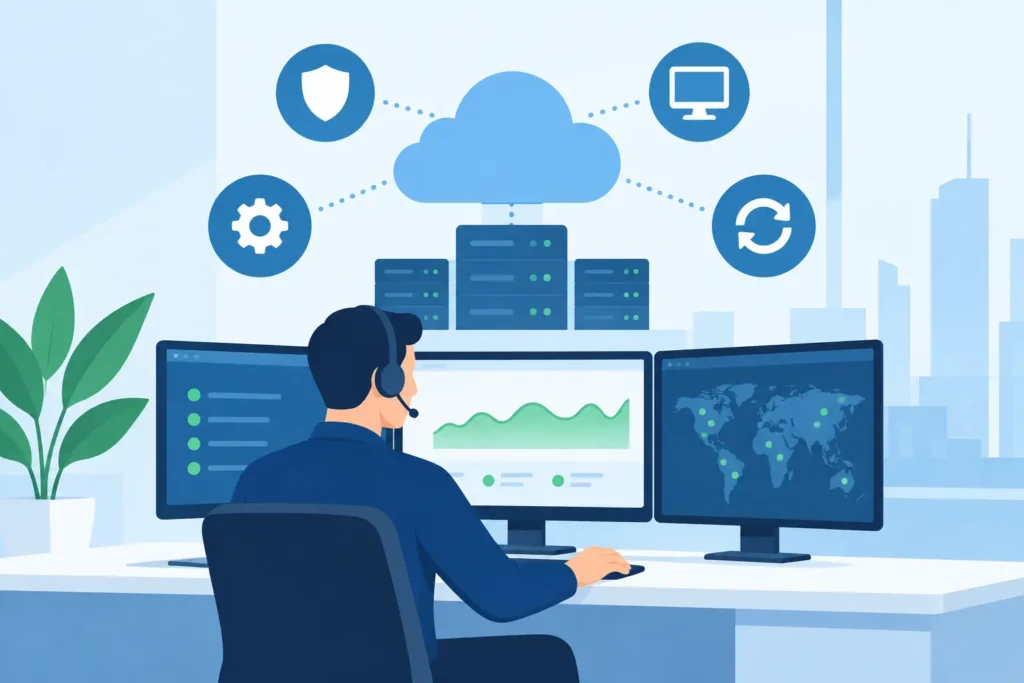
A user cannot access email before a client meeting. A Wi-Fi outage affects an entire floor. A former employee’s account remains active longer than it should. These are not isolated technology problems. They are operational gaps. Managed IT services give growing organizations one accountable team to prevent, respond to, and improve the systems their people rely on every day.
For organizations across New Jersey, New York, and Pennsylvania, the real value is not simply having someone to call when a laptop fails. It is having clear ownership of users, devices, networks, identity, security, backup, and support – with a plan that connects them.
What Managed IT Services Should Actually Cover
Many businesses have accumulated technology one decision at a time: a local installer for cabling, a different company for phone service, software purchased directly by departments, and remote support that only sees a ticket after something breaks. That arrangement can work for a while. It also creates unclear responsibility when systems overlap.
A managed IT relationship should replace that fragmentation with an operating model. The provider should understand how your environment is built, why each major technology decision was made, who owns the next action, and what risk remains visible to leadership.
At a minimum, the scope should connect day-to-day support with the controls that keep operations stable. That generally includes endpoint management, help desk support, Microsoft 365 or Google Workspace administration, identity and access management, network and Wi-Fi oversight, firewall management, backup monitoring, and cybersecurity controls. For many organizations, cloud voice, compliance documentation, automation, and technology projects belong in the same plan as well.
The distinction matters. A help desk can close tickets without improving the environment that created them. A technology partner should do both.
The Business Case Is Operational Control
The strongest reason to use managed IT services is not that every business needs to outsource IT. Some organizations have capable internal IT staff and need outside expertise, project capacity, or after-hours coverage. Others need a fully managed team because no one internally owns technology full time.
In either case, the business case comes down to control. Leaders need to know that a new employee can be set up correctly, former employees lose access promptly, systems are patched, backups can be recovered, and a network issue at one location will not become a week-long coordination exercise.
This is especially relevant for multi-location businesses, professional offices, property operators, healthcare teams, schools, and hospitality environments. Their technology is distributed across people, facilities, devices, and vendors. One weak link can affect client service, revenue, compliance, or safety.
A managed operating plan turns recurring technology work into a documented standard. Instead of asking whether a location has the right Wi-Fi coverage or whether every device has the required protection, the organization can measure those conditions against a known baseline.
Fewer Vendor Gaps, Clearer Accountability
When an internet circuit, firewall, access point, laptop, cloud account, and phone system are supported by separate parties, the issue often becomes a handoff problem. Each vendor may be correct about its own component while the employee remains unable to work.
One accountable technology partner coordinates across those boundaries. That does not mean every product must come from one manufacturer or that every issue has a single cause. It means one team owns the investigation, communicates the status, and drives the next step until service is restored.
That coordination is often the difference between a short disruption and a prolonged one. It is also why local field capability matters. Some issues require remote administration. Others require someone who can inspect a network closet, replace equipment, validate cabling, or test coverage on site.
Security Is an Operating Discipline
Cybersecurity is often treated as a separate purchase: a firewall, an antivirus product, or an annual compliance exercise. Those tools matter, but they do not manage themselves. Security depends on consistent execution across identity, devices, email, networks, backups, and user behavior.
For example, multifactor authentication is stronger when it is applied consistently and paired with conditional access policies. Endpoint protection is more useful when unmanaged devices are identified and addressed. Backups matter only if recovery is tested and business owners know which systems can be restored first.
A practical managed IT program makes these dependencies visible. It sets standards for privileged access, patching, device encryption, secure configuration, backup retention, and incident response. The right controls vary by industry and risk profile, but the operating discipline should be steady.
What a Good Managed IT Process Looks Like
A provider should not begin by selling a standard package without understanding the environment. The first phase is discovery: users, locations, line-of-business applications, internet connections, network equipment, cloud platforms, existing contracts, security controls, and known pain points.
From there, the work should move into a documented plan. That plan identifies what needs immediate attention, what can be standardized over time, and which projects should support business goals such as opening a new office, improving remote access, replacing aging equipment, or meeting compliance requirements.
Standardize Before You Scale
Standardization does not mean every office must look identical. A construction site, medical practice, law office, school, and hotel have different operating needs. It means the underlying approach is deliberate: consistent identity controls, supported hardware, documented network configurations, approved applications, and repeatable onboarding and offboarding procedures.
Without standards, growth adds exceptions. New locations inherit different Wi-Fi equipment. Departments select overlapping software. Employees use unmanaged devices. Troubleshooting becomes slower because every issue starts with discovery.
With standards, new users and locations can be deployed faster, support becomes more predictable, and leadership can plan technology costs with fewer surprises.
Support Must Produce Better Systems
Responsive support remains essential. People need practical help when access fails, a device is lost, or a meeting room will not connect. But ticket response time alone is an incomplete measure of service quality.
Look for a provider that reviews recurring issues and removes their causes. If password resets increase, the answer may involve identity design or user training. If a location has repeated wireless complaints, the issue may be coverage, capacity, interference, or network segmentation. If users cannot find files, the problem may be a poorly designed collaboration platform rather than a lack of support effort.
This is where a full-lifecycle provider earns its place. Planning, deployment, support, security operations, and continuous improvement should inform one another. DHK IT approaches technology this way: from the first cable to the final login, with one team accountable for how the environment performs.
How to Evaluate Managed IT Services Providers
The right provider depends on the organization’s size, internal capabilities, risk profile, and number of locations. Price matters, but a low monthly rate can hide exclusions, weak onsite coverage, limited project capacity, or a service model built only for basic ticket handling.
Ask direct operational questions. Who owns a service issue when multiple vendors are involved? How are new employees onboarded and former employees offboarded? What is monitored, and what is merely available on request? How are backups validated? Who documents the network and cloud environment? What happens if ransomware, an internet outage, or a failed firewall disrupts operations?
Also ask how technology recommendations are made. A good provider can explain the business reason for a change, the risk of waiting, the expected operating impact, and the ongoing cost. Not every improvement needs to happen immediately. The objective is a prioritized plan, not a pile of urgent purchases.
Local presence should be evaluated honestly as well. Remote support is efficient for many issues. Yet organizations with facilities, multiple sites, network hardware, conference rooms, access systems, or regulated workflows benefit from a partner that can support field work and coordinate physical infrastructure when needed.
Build the Plan Before the Next Disruption
Technology becomes expensive when it is managed only after something fails. A clear inventory, documented standards, tested recovery procedures, and defined ownership give leadership a better starting point than another emergency call. Start by identifying the systems your team cannot afford to lose, the gaps no vendor currently owns, and the next business change your technology environment must support.